- Android + iOS
- Native apps
- Sync with browser
- No ads
See the game
Real in-game screens: your empire, fleet, galaxy map and alliance.
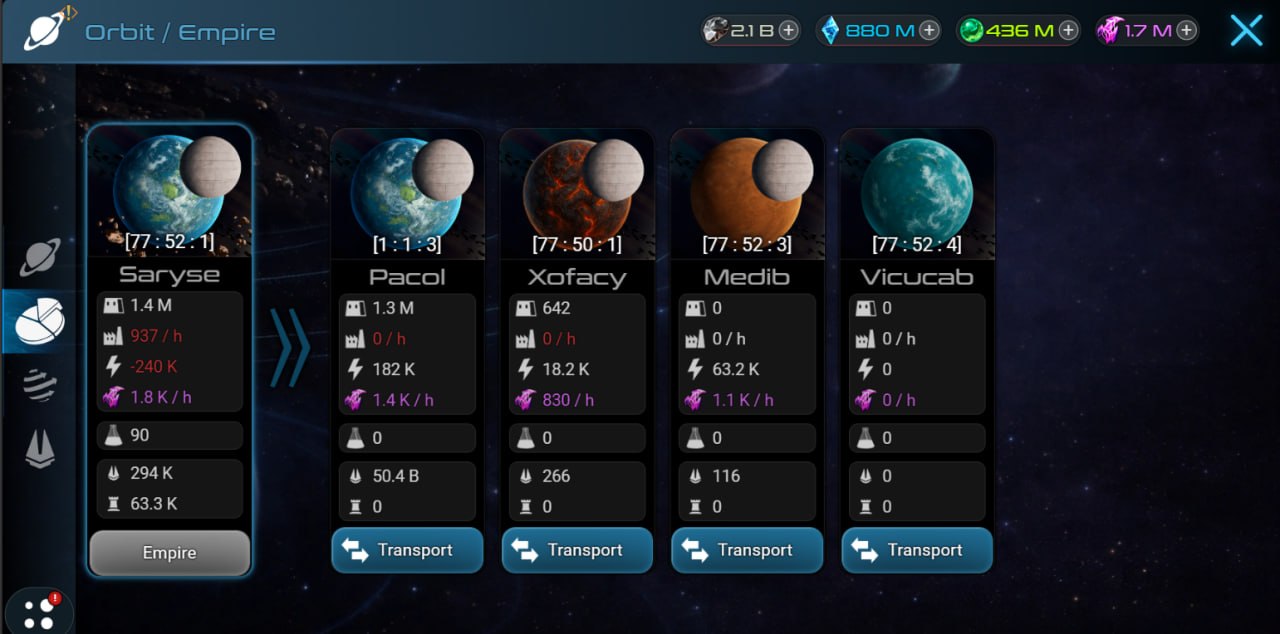
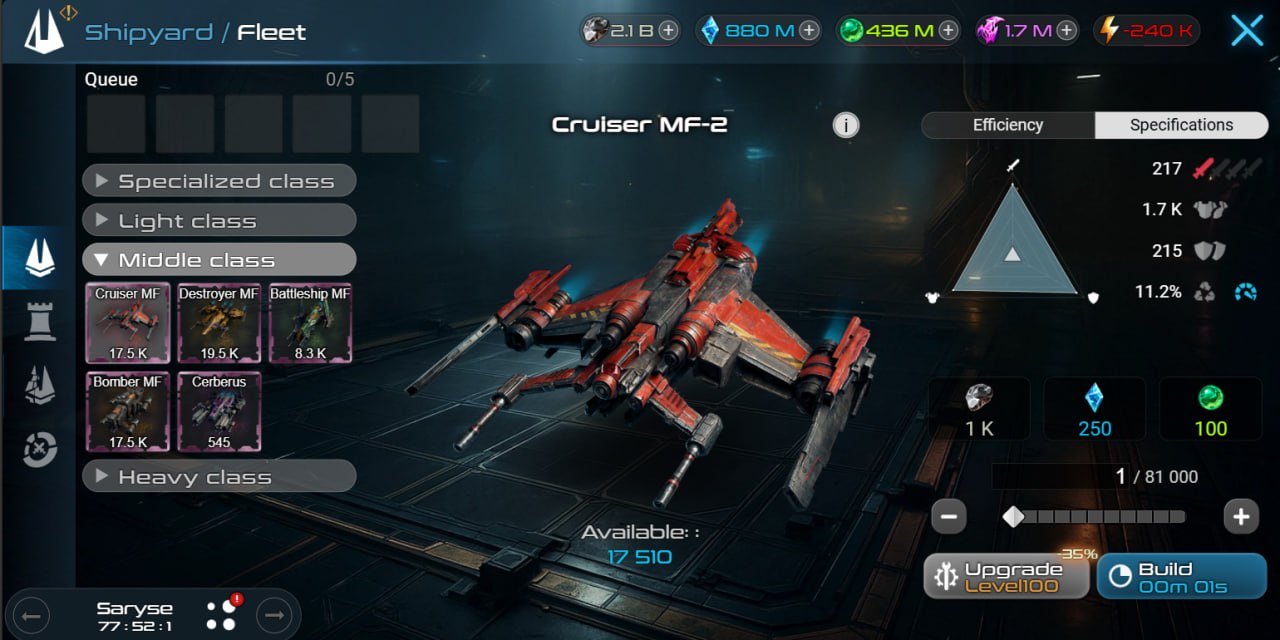
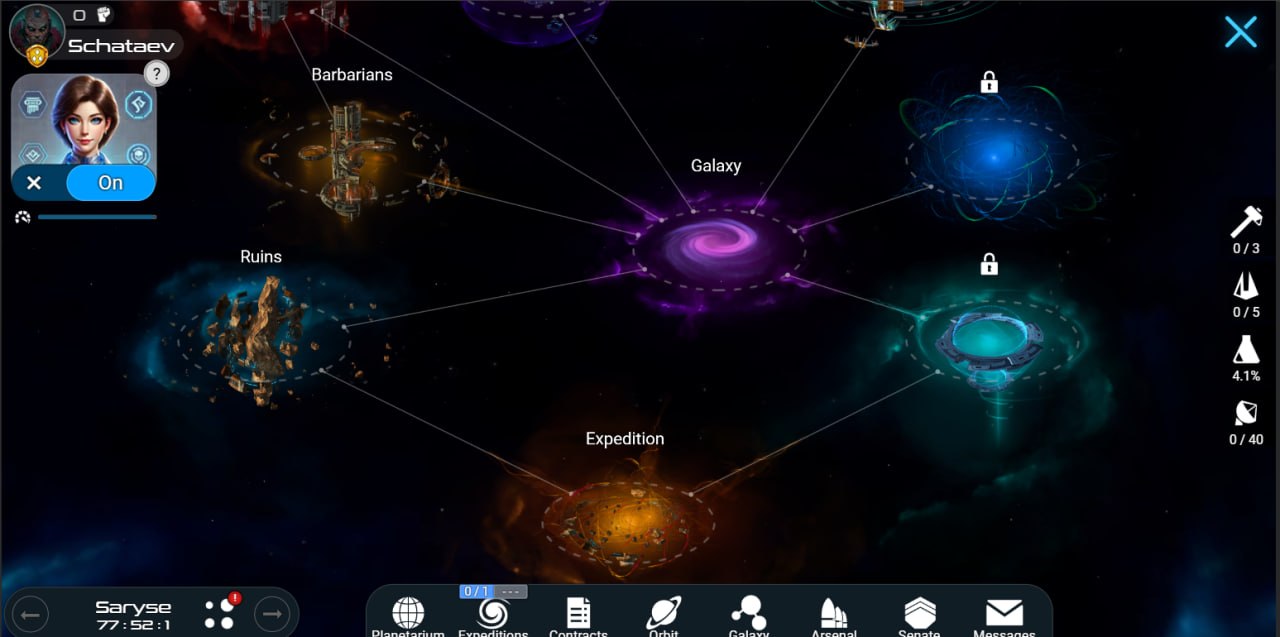
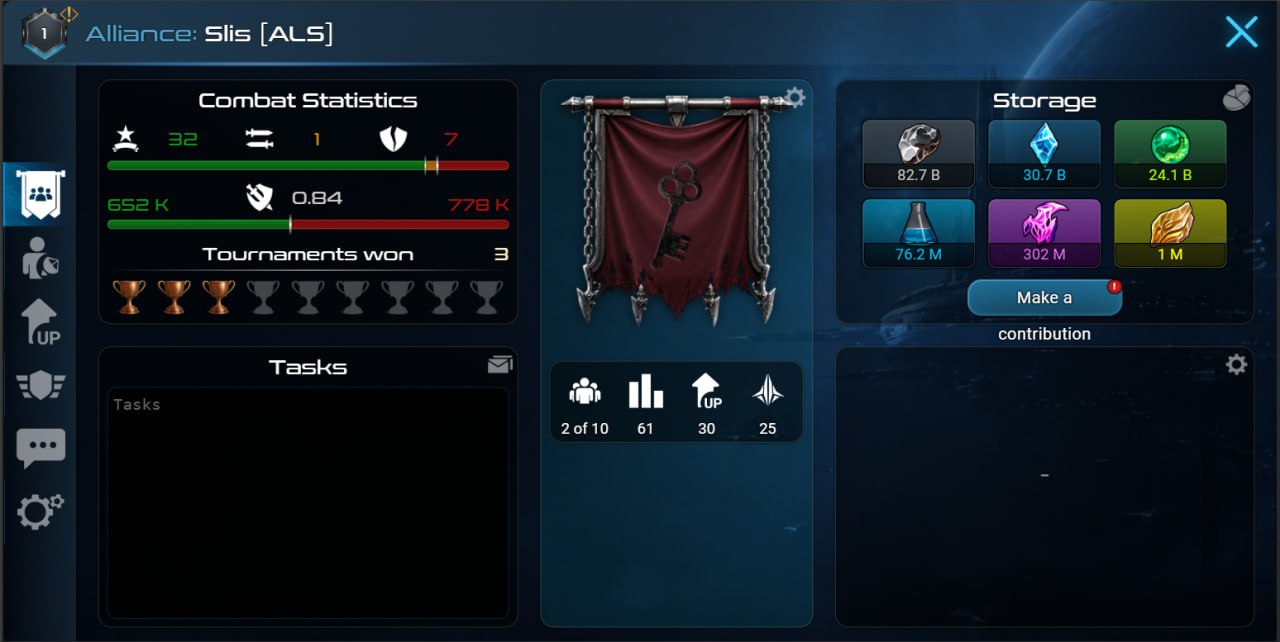
What the mobile version gives you
Not a stripped read-only version — full MMO with mobile UX features.
Native apps
Not webview, not browser wrapper. Full Android and iOS apps optimized for touch.
Push notifications
Attack on planet, alliance reply, chat ping — you know immediately. Notifications are granular, only important ones can be enabled.
Cross-sync
Morning from phone, evening from PC — progress travels with you. One account, all devices.
Fast actions
Build, research, send fleet — two taps. No squinting at tiny menus.
No ads
Free app without banners and video ads. No "watch 30 seconds — get bonus".
Alliance chat
Alliance coordination right in the app. Push on @mention. Voting, diplomacy, team strategy.
All three universes — on mobile
One app, three modes. Switch from menu after login.
War of Alliances
The Xterium flagship: deep PvE, anomalies, contracts and the best onboarding.
Play now Learn moreClassic
Fast classic: big numbers, a second galaxy and a hardcore fleet.
Play now Learn moreReborn
A seasonal 3-month sprint — even faster than Classic.
Play now Learn moreStarter guides
How to Play Xterium on Your Phone — Mobile Apps for Android and iOS
A Guide to Playing Xterium on Your Phone: How to Log In to Your Account via the Android and iOS Apps, a Common Issue with a “Blank” Account When Logging In via Google and How to Fix It, and Push Notifications.
OpenWhere to Start as a Beginner in Xterium — First Steps
A Step-by-Step Guide for Xterium Newcomers: Mines, Energy, First Explorations, Base Defense, Expeditions, and Alliances. Covering game mechanics and community tips.
OpenBuilding Order in Xterium — What to Build and in What Order
The recommended order for building structures in Xterium for beginners: mines, power plant, laboratory, storage facilities, robot factory, and shipyard. The order and requirements have been verified against the game code.
Open